
Help Center
Phone Sync
Phone Sync Instructions
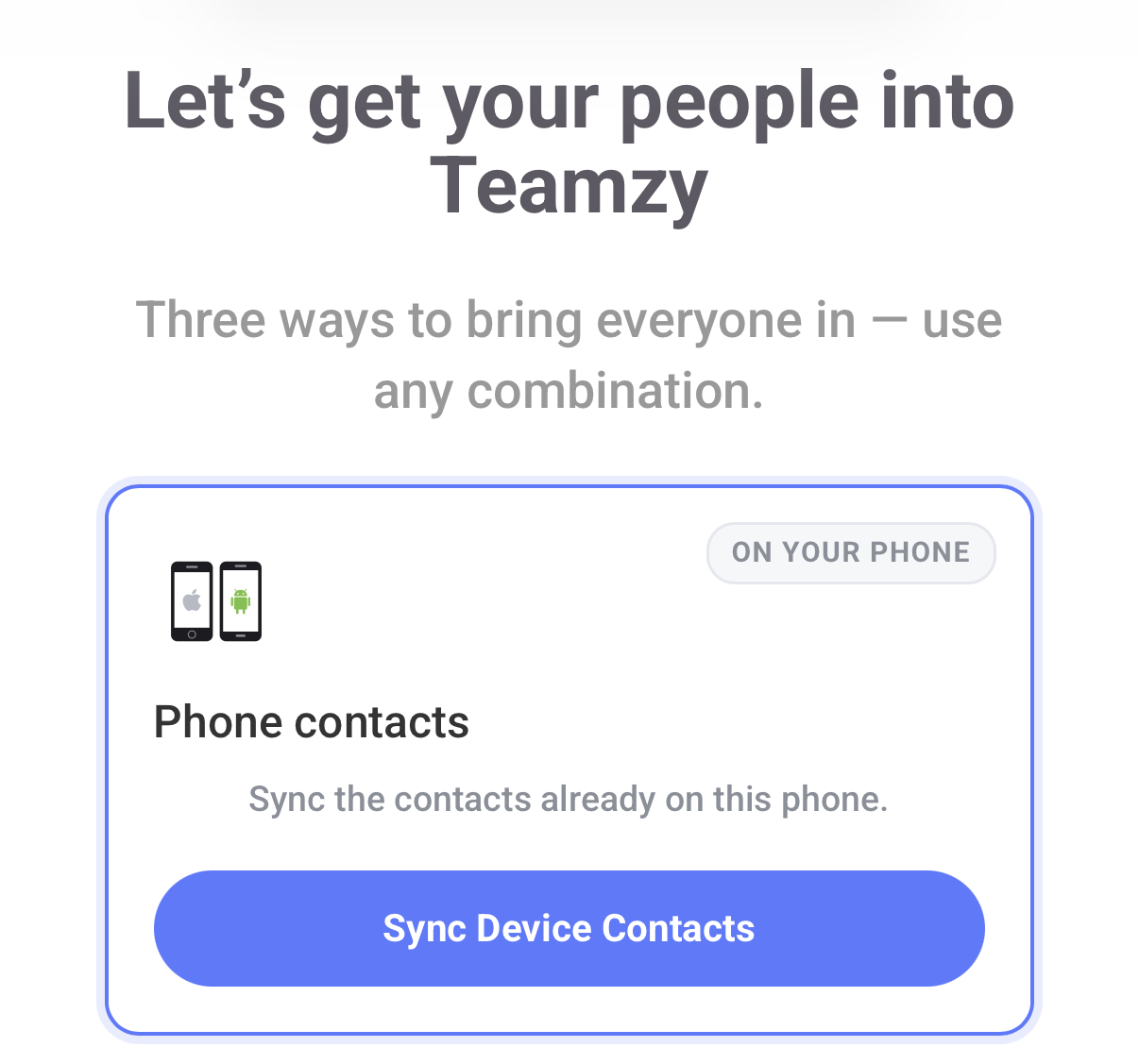
Step 1: Click “Sync Device Contacts”
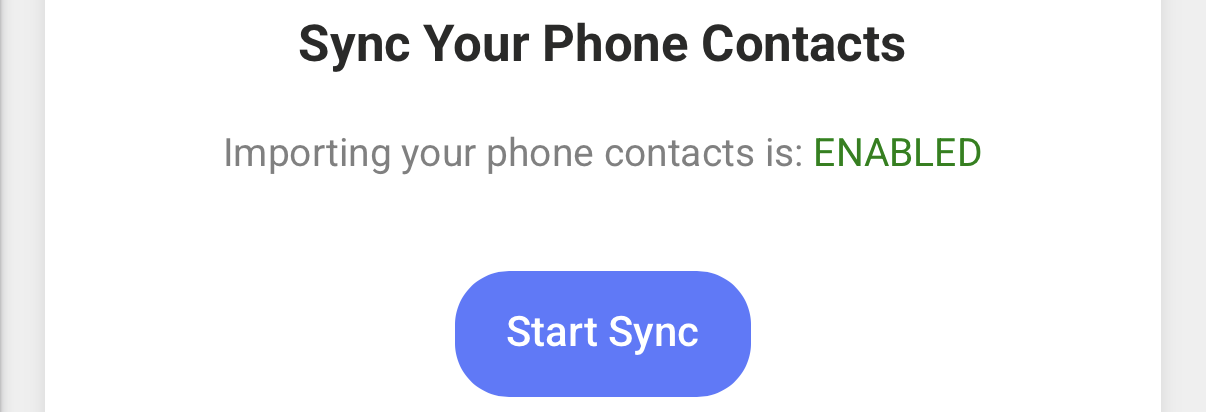
Step 2: If you see “ENABLED” click Start Sync
Tap on the names you’d like to add and tap Done.
Tip: On some phones you can tap and hold while sliding down the checkmarks to select them all quickly.
Step 2: If you see “DISABLED” Follow the steps to enable the feature
Android Phone Requirements
- OS: Android M
- Browser: Chrome
Once you are on a compatible Android version and browser, the Sync button will be enabled.
Apple iOS Requirements
- OS: iOS 14.5 +
- Browser: Safari
- Settings configuartion:
- Navigate to Settings
- Search for and Tap Safari
- Scroll to bottom and tap Advanced
- Scroll to bottom and tap Feature Flags
- Scroll to ‘Contact Picker API’ and enable
- Return here and refresh the page